Featured partnerFREE TO PLAY
Don't Die a Betis
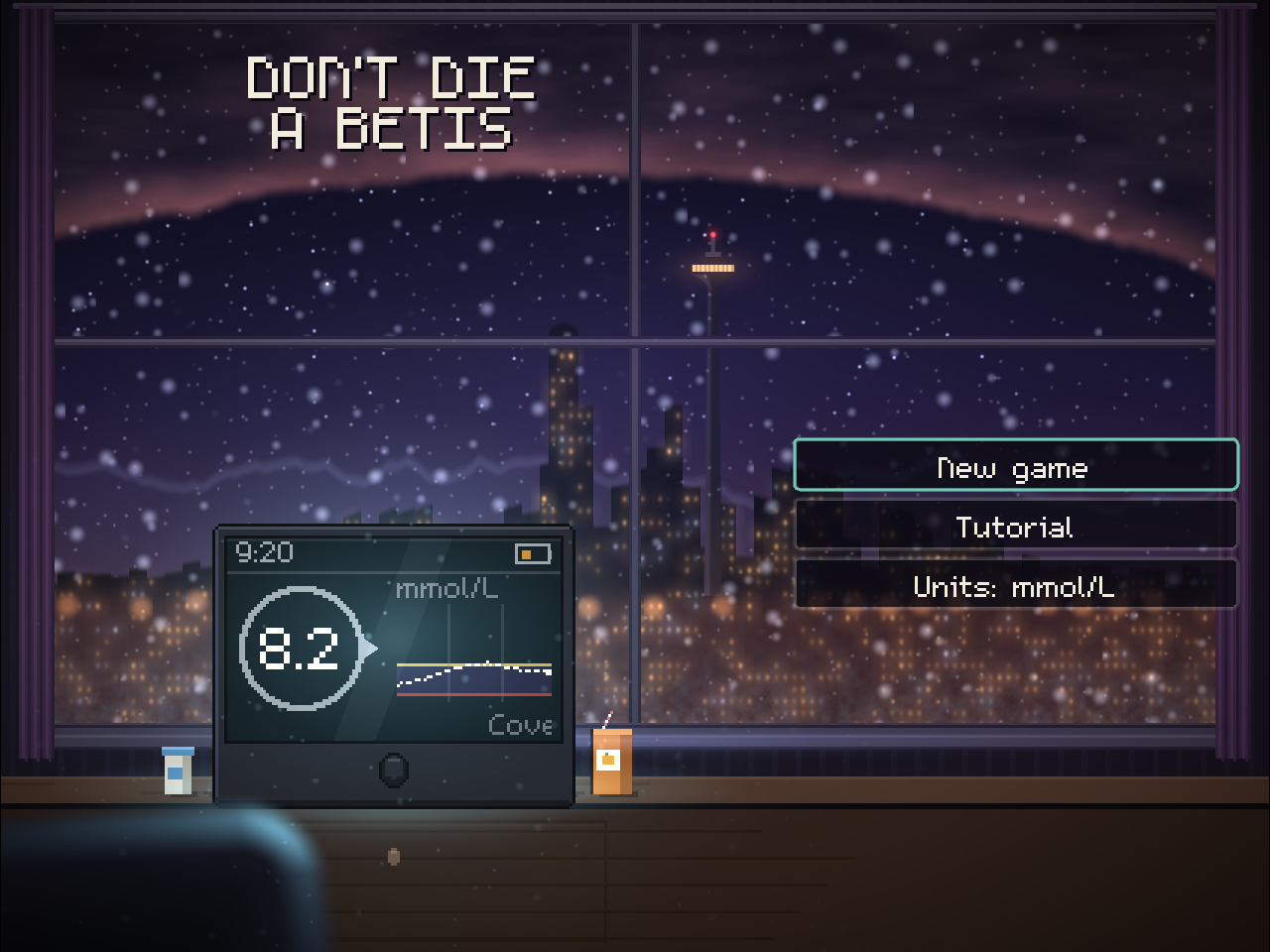
A beat 'em up about type 1, set in Calgary. Count carbs, dodge the Cinnamon Guy, and find a washroom before it is too late.
Play in your browserRead the instruction booklet.
What a CGM is
A CGM measures the sugar in the fluid between your cells, called interstitial fluid, rather than in your blood. It does this all day and night, without a finger prick for each reading.
A CGM has three parts:
- A sensor. A small patch held on by adhesive, with a thin, flexible filament that sits just under your skin. It is often worn on the upper arm or the belly.
- A transmitter. It sends the sensor's readings on. On some models it is built into the sensor.
- A reader or a phone. An app or a small handheld device that shows your readings, your recent history and a trend arrow: whether your sugar is going up, going down or holding steady.
You can share the data with your diabetes team, so they can see your patterns over weeks rather than a few numbers from a logbook. Some CGMs can also connect to an insulin pump. See Insulin pumps.
Diabetes Canada's guidelines recommend a CGM for people with type 1 diabetes who take insulin by injection or by pump. Ask your team whether one suits you.
Real-time and scanned CGMs
There are two kinds.
- Real-time CGM sends readings to your phone or reader all the time, so you can look whenever you like. It can sound alarms when your sugar is low or high.
- Intermittently scanned CGM, sometimes called flash monitoring, measures all the time but shows you a reading only when you scan the sensor by holding your phone or reader over it. Each scan shows your current level, your recent history and a trend arrow.
Diabetes Canada's guidelines say a real-time CGM should be used by people with type 1 who take insulin several times a day or use a pump, and who are willing and able to wear it nearly every day. They also say real-time CGM is recommended over a scanned CGM for adults who don't feel their lows coming, or who have had a recent severe low.
Alerts and alarms
A real-time CGM can warn you, and the people you choose to share it with, when your sugar goes outside a range you set, or is heading that way. This matters most at night, when you are not checking.
Set your alert levels with your team. Too many alarms can wear you down until you stop noticing them, which Diabetes Canada calls alarm fatigue. If that is happening, tell your team: the settings can often be changed.
An alert is a warning, not a treatment. If it says you are low, treat the low. See Treating a low.
Time in range
A CGM can tell you what share of the day your sugar stayed in your target range. This is called time in range. Diabetes Canada uses the targets set by an international consensus group for most adults with type 1 or type 2 diabetes:
| Measure | Target for most adults |
|---|---|
| Time in range, 3.9 to 10.0 mmol/L | More than 70% of readings |
| Time below 3.9 mmol/L | Less than 4% |
| Time below 3.0 mmol/L | Less than 1% |
| Time above 10.0 mmol/L | Less than 25% |
| Time above 13.9 mmol/L | Less than 5% |
These numbers mean the most when you have worn the CGM for more than 70% of a 14-day stretch. About 70% time in range lines up with an A1C, your three-month average, of about 7.0%.
Targets are different in pregnancy, for children and teens, and for some older adults. Your team will set the targets that are right for you.
When to still do a finger check
A finger check measures the sugar in your blood at that moment. A CGM measures the fluid between your cells, which can be up to 15 minutes behind your blood. The gap tends to be larger while you are eating or exercising, when your sugar is moving fast.
Diabetes Canada says to keep a meter and test strips, even if you use a CGM. Do a finger check:
- when how you feel doesn't match what your CGM says
- when you are treating a low and want the most accurate number
- when something goes wrong with your CGM, as a backup
Your team may give you other times to check, depending on your CGM.
Wearing and changing a sensor
Each sensor lasts a set number of days before you replace it with a new one. Diabetes Canada's handout gives about 7 to 14 days, depending on the model. Follow the instructions that come with yours, and ask your team to show you how to put in your first sensor.
The adhesive can come loose or irritate your skin. If you get a rash or a sore spot, tell your team. Changing where you place the sensor can help.
Some models need a finger check now and then to calibrate them, which means adjusting the CGM against a blood reading. Others don't. Your team or the instructions will tell you which yours is.
Getting a CGM
Talk to your diabetes team about whether a CGM suits you and which kind. CGMs cost a few thousand dollars a year to run, so coverage matters. Some provinces cover them for some people, and some private plans do too. See Getting devices covered.
Follow your own diabetes care team. This page explains the general advice. Your doctor, nurse educator and dietitian know your body and your insulin, and their plan comes first.
Sources
- Diabetes Canada. Technology and devices.
- Diabetes Canada Clinical Practice Guidelines. Chapter 9: Glycemic monitoring, 2021 update.
- Diabetes Canada Clinical Practice Guidelines. Chapter 41: Type 1 diabetes across the lifespan (2025).
- Diabetes Canada. Glucose monitoring comparison chart (2020).
- Diabetes Canada. Continuous glucose monitor (CGM) (information package).
Checked against these sources in November 2026.